Highlights stay on your profile indefinitely, so it's natural to wonder who's looking at them. The answer surprises many people: you can only see who viewed a highlight during the first 48 hours after the original story was posted.
How highlight views work
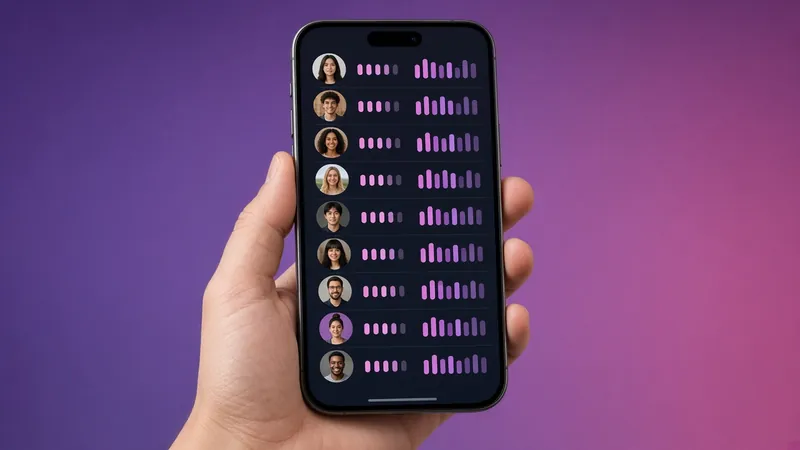
A highlight is a collection of stories you've already posted. Each story keeps its own viewer list, which Instagram shows for 48 hours from the moment that story first went live. After that, the list is gone, even if the story sits in a highlight for years. New views of the highlight are counted for internal statistics but not shown as a list.
What about business and creator accounts?
Professional accounts get Insights with reach and impressions for stories, which includes some views from highlights. You won't get names, only totals.
Do anonymous viewers appear?
No. IGPVSTORY's Highlights Viewer doesn't use an Instagram account, so it never appears in any viewer list, during the 48 hours or after.
Can third-party apps show highlight viewers?
No. Apps that claim to show "who viewed your highlights" or "who stalks your profile" can't access that data. Instagram doesn't provide it. Most of these apps want your login, which puts your account at risk.
How to control who sees your highlights
- Make your account private so only followers can see highlights.
- Use Close Friends stories in a highlight to keep it limited.
- Remove highlights you no longer want public from the profile's highlight menu.
Learn more: how to view highlights without an account.
Why Instagram limits highlight viewer data
Instagram designed stories to be temporary, and the 48-hour viewer list matches that idea. Keeping viewer lists forever would create a large, sensitive log of who looked at whom, so Instagram drops it after two days.
Using Insights on professional accounts
Switch to a creator or business account (free) to see reach, impressions, replies, profile visits and link taps for each story, including after it's added to a highlight. Go to your profile → Professional dashboard → Content you shared, and filter by stories.
Making highlights work for you
- Use clear titles and covers. Viewers decide in a second whether to tap.
- Put your most useful highlight (FAQ, prices, reviews) first.
- Update highlights regularly and remove outdated stories.
- Remember they're public on public accounts: anyone, including anonymous viewers, can open them.
FAQ
Do people get notified when I view their highlight? No. Instagram never notifies for highlight views, but logged-in views within 48 hours of the original post appear in the viewer list. Can I see how many times someone viewed? No, only whether they viewed.