Before you post, it's worth knowing exactly who will see your story. The answer depends on four things: whether your account is public or private, whether you use Close Friends, who you've hidden your story from, and who you've blocked. It also matters that anonymous viewers exist.
1. Public accounts
If your account is public, anyone can see your stories. That includes Instagram users who don't follow you, people who are logged out, and web-based viewers like IGPVSTORY. Public stories can also appear on the Explore page and in location or hashtag stories if you add those stickers.
2. Private accounts
With a private account, only followers you've approved can see your stories. Anonymous viewers can't access them. This is the strongest single privacy setting you have.
3. Close Friends
Close Friends lets you share a story with a hand-picked list. These stories show a green ring and are never visible to anyone outside the list, including anonymous viewers, even on public accounts. People don't get notified when you add or remove them. Learn more in how Close Friends stories work.
4. Hide Story From
In Settings → Privacy → Story, you can hide your stories from specific people without blocking them. They won't see your stories inside Instagram. Note that on a public account, someone could still see them logged out or through a web viewer, because the content is public.
5. Blocking
Blocked accounts can't see your profile or stories while logged in. As with Hide Story From, a public account is still visible to logged-out visitors.
6. Sharing and mentions
If you mention someone, they can re-share your story to their own followers, if your settings allow. You can turn off resharing in story settings.
Summary table
| Setting | Followers | Non-followers | Anonymous viewers |
|---|---|---|---|
| Public story | Yes | Yes | Yes |
| Private account | Approved only | No | No |
| Close Friends | List only | No | No |
| Hidden from a person | Not that person (in app) | — | Yes if public |
Want maximum privacy?
Switch to private, or use Close Friends for anything personal. Our story privacy settings guide walks through each step with screenshots. And if you're curious what the public sees, search your own username on the IGPVSTORY story viewer.
Special cases people forget
Location and hashtag stickers
If your account is public and you add a location or hashtag sticker, your story can appear in that location's or hashtag's story feed, where strangers can see it. Private accounts never appear there.
Collaborative and "Add Yours" stories
When you join an "Add Yours" chain, your story is linked from a public chain that others can browse. On a public account, anyone exploring that chain can tap through to your story.
Shared to Facebook
If you've linked Facebook and turned on automatic story sharing, your stories can also appear on Facebook, with Facebook's audience settings. Check Accounts Center → Sharing across profiles.
Restricted accounts
Restricting someone limits their comments and messages, but it doesn't hide your stories from them. Use Hide Story From or Block for that.
Who sees your story when you switch from public to private?
The change applies immediately. Current non-followers can no longer see active stories, and anonymous viewers will see a private-account notice. Existing followers keep access. Remove followers individually if needed.
Can you see who viewed your story?
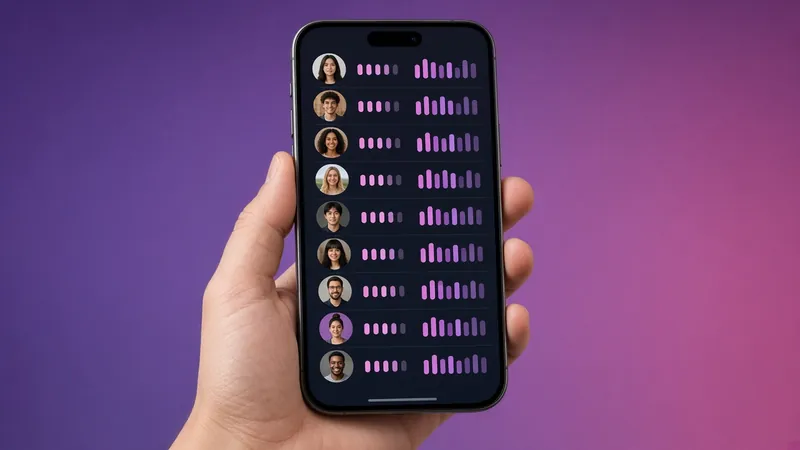
Yes, for 48 hours. Swipe up on your story to see the list of accounts. Anonymous web viewers are not included. For how the list is ordered, see views order explained.
A quick audit you can do today
- Check Settings → Account privacy and decide public or private.
- Open Close Friends and remove anyone who shouldn't be there.
- Review Hide Story and Live.
- Check Story replies and Sharing settings.
- Search your username on IGPVSTORY to see your public footprint.
Ten minutes of setup gives you clear control over who sees what, and you'll know exactly what an anonymous viewer can see.