Download Instagram stories in three taps
- Enter the public username above and press Get stories.
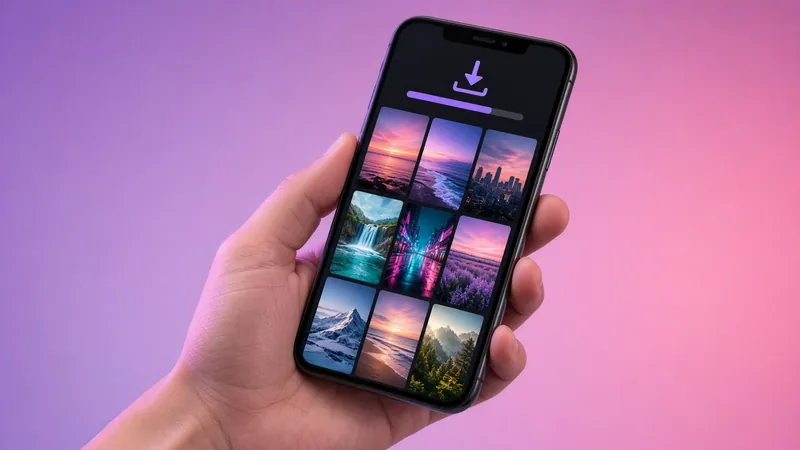
- Browse the grid of live stories. Videos are marked with ▶.
- Tap Download under any story. Photos save as JPG and videos as MP4.
Where do downloads go?
iPhone and iPad
Safari saves files to the Downloads folder in the Files app. To move a video to Photos, open it in Files, tap Share and choose Save Video. Full walkthrough: download Instagram stories on iPhone.
Android
Chrome saves to Downloads, and the files appear in Google Photos under "Downloads". See Android and PC guide.
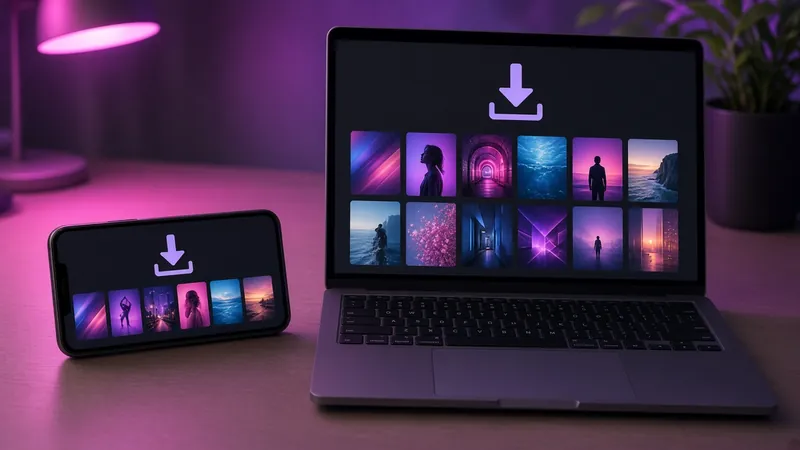
Windows, Mac and Linux
Files go to your browser's default download folder, usually Downloads.
Quality
We don't re-compress anything. The downloader gives you the same file the provider returns, which is normally the highest resolution Instagram serves: up to 1080×1920 for photos and HD for videos.
Downloads follow the same public-only rules described in how it works and safety.
Download responsibly
Stories are the creator's work. Personal, offline reference is generally fine. Re-posting, editing out watermarks or selling someone else's content is not. If you are a rights holder, see our DMCA page.
Does Instagram notify when you download a story?
No. Instagram doesn't notify for story screenshots or downloads, and IGPVSTORY doesn't use an account at all, so there is nothing to trigger.