Close Friends is Instagram's way of letting you share some stories with a smaller circle while your regular stories stay public or visible to all followers. Here is how it works in 2026.
Setting up your list
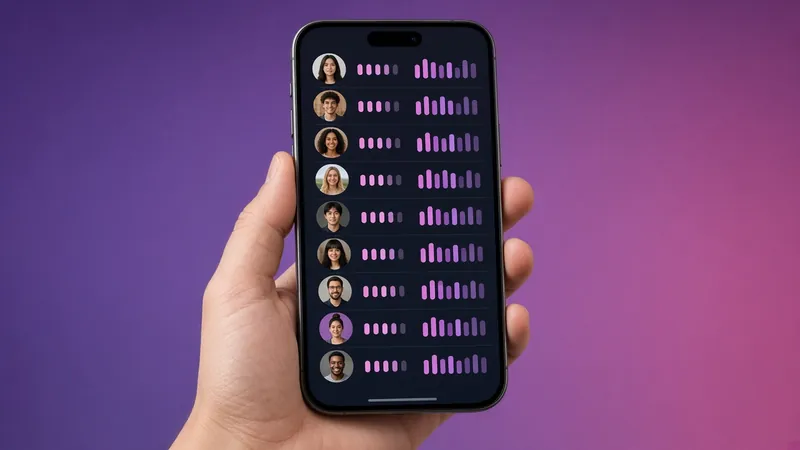
- Go to your profile, tap the menu and choose Close Friends.
- Search for people and tap Add. There's no limit beyond your follower count.
- When posting a story, choose the green Close Friends button instead of "Your story".
What viewers see
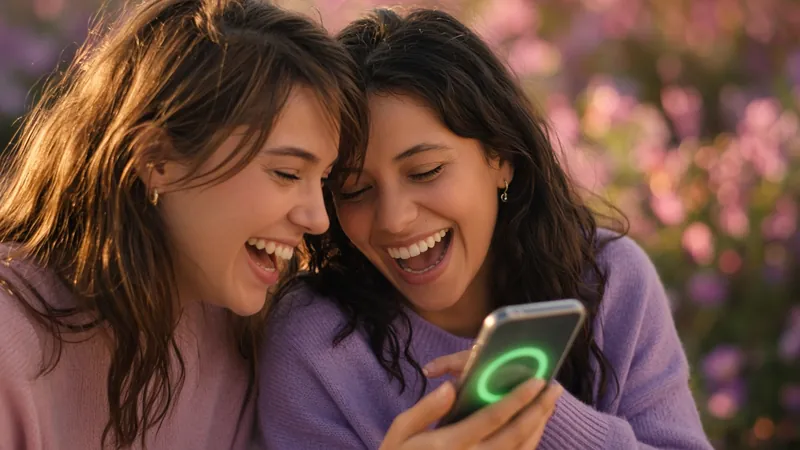
Close Friends stories have a green ring around your profile picture and a green badge in the story itself. Only people on your list can see them. Everyone else sees only your normal stories, or nothing.
Do people know when they're added or removed?
No. Instagram doesn't send notifications for being added to or removed from a Close Friends list. People on the list can tell they're included when they see a green story. Others have no way to know a list exists.
Can anonymous viewers see Close Friends stories?
No. They're restricted to logged-in accounts on your list, so they are never public. IGPVSTORY and every honest viewer can only show public stories. A site that claims otherwise is misleading you.
Close Friends and highlights
If you add a Close Friends story to a highlight, it's still shown only to people currently on your list. If you remove someone, they lose access.
Tips
- Review your list regularly. It's easy to forget who's on it.
- Use it for drafts, personal updates or behind-the-scenes content you'd rather not make public.
- Combine it with a private account for the strongest privacy.
Related: who can see my Instagram story?
Close Friends and Reels, posts and notes
Close Friends isn't only for stories. You can share Notes with Close Friends, and Instagram has tested Close Friends-only posts and reels in some regions. The same principle applies everywhere: only people on the list can see the content.
Can someone tell they were removed?
There's no notification, but someone may notice that green stories stopped appearing. If discretion matters, consider creating separate content for that group rather than frequently adding and removing people.
Close Friends on a public account
This is a popular setup for creators: regular stories reach the public, while personal moments go to a small list. Anonymous viewers see only the public stories. The green ones stay hidden.
Common mistakes
- Forgetting to switch back to "Your story" and posting public content to Close Friends, or the reverse.
- Adding acquaintances in bulk with "Suggested" and forgetting who's included.
- Assuming list members can't screenshot. They can, and there's no notification.
Is Close Friends private enough?
For everyday privacy, yes. For anything sensitive, remember that anyone on the list can screenshot or record. Share accordingly.